Getting Started
This is the fastest way to start using Northfox.
1. Download and open Northfox
Install Northfox, open the app, and start your trial.
There is no setup step required before your first chat.
2. Ask your first question
Type your question the same way you would ask another analyst.
Examples:
- "Compare MSFT and GOOGL on growth, margin, and valuation."
- "Give me a quick risk snapshot for NVDA based on the latest filings."
- "Show me recent price action for AMZN and explain what matters most."
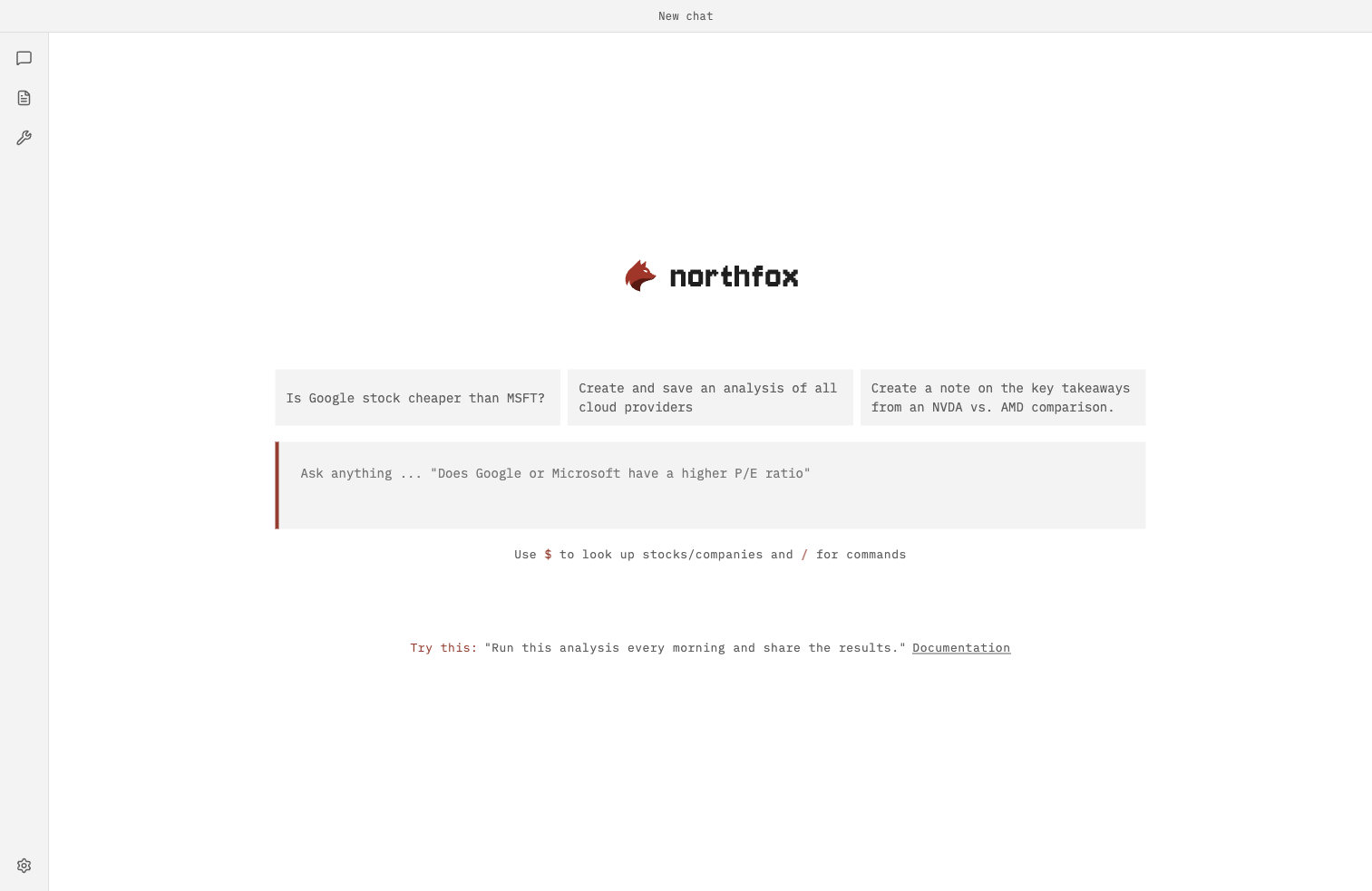
On the new chat screen, you can also click a suggestion box above the input and edit it before sending.
3. Use follow-up questions instead of starting over
Northfox keeps context in the same chat, so you can go deeper with prompts like:
- "Focus only on the bear case."
- "Now compare this to the previous fiscal year."
- "Turn this into a 6-bullet investment note."
4. Save useful work as notes or memory
Use notes for research you want to revisit later.
Use memory for stable preferences that should carry across chats.
Examples:
- "Remember that I prefer concise answers with a final verdict."
- "Remember that I focus on large-cap US tech."
- "Remember that we want 6-bullet outputs for committee updates."
For more, see Research Notes and Memory.
5. Keep an eye on your trial status
Northfox starts with a trial so you can use the app immediately.
When your trial tokens are finished:
- Click the token counter in the app.
- Northfox opens the
Statusmodal. - Use the button there to create a subscription.
You can also open /status at any time to check usage.
6. Extend Northfox when you need more automation
If you want custom workflows, reusable prompts, or deeper integrations, Northfox supports plugins and skills.
Main Screen