Sharing Research Notes
Use the share flow to publish a single research note and generate a secret link you can send to others.
Publish a note
- Open
Notesin the left sidebar. - Select the note you want to share.
- Click the share icon in the note pane.
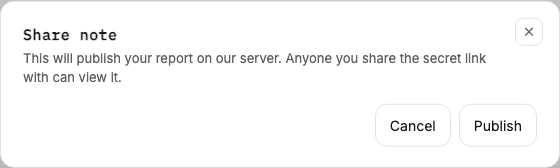
- In the modal, click
Publish. - Copy the generated link.
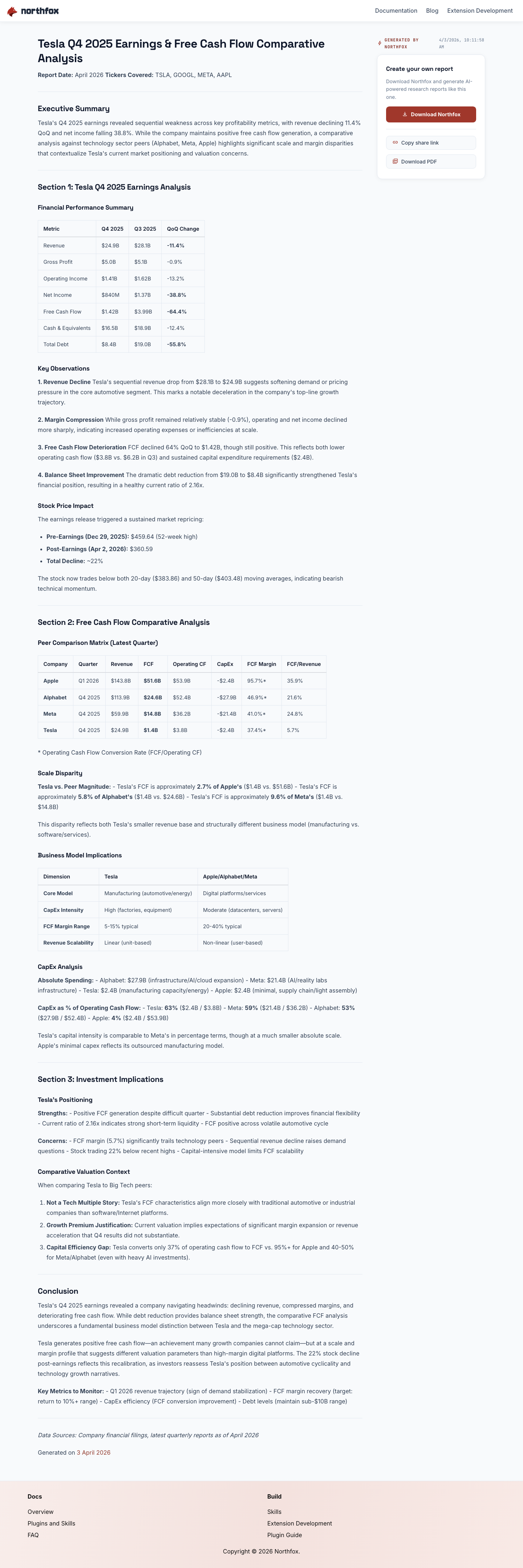
What recipients see
Anyone with the secret link can open a hosted, read-only version of that note.
Notes
- The shared URL is private-by-link (unguessable), not public indexing.
- Re-share by opening the same note and publishing again.